Upload a photo
Use your own picture or try a sample.
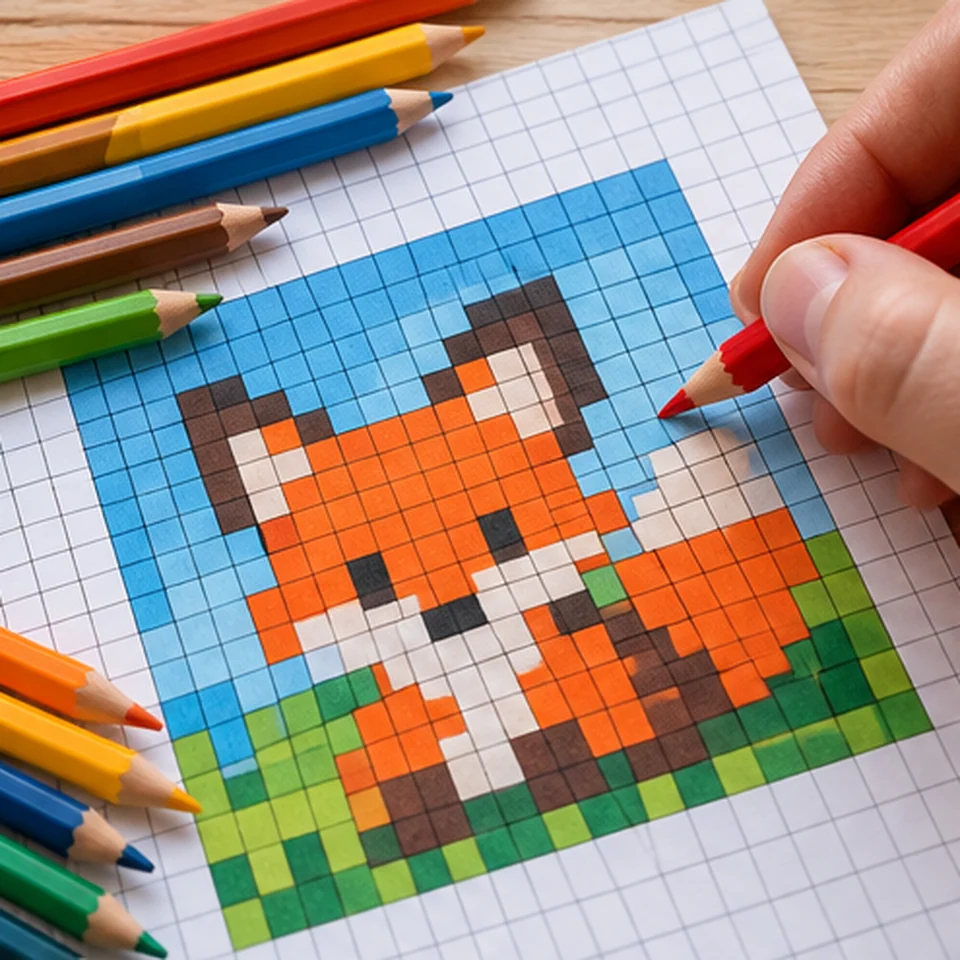
Turn a photo into a printable pixel pattern and fill numbered squares using the color key.
Images you select for our generators are processed locally in your browser. We do not upload your photos to our servers.
 MAKE IT
JPG, PNG or WebP · maximum 12 MB / 40 megapixels
No image selected
Your pattern will appear here
Upload an image to begin.
Printable pattern · free download
Print at 100% (actual size).Use your own picture or try a sample.
Adjust size, colors, materials and format.
Download your pattern and get making.
Adults should handle blades and hot tools. Check the template before starting.
Read the guide ↗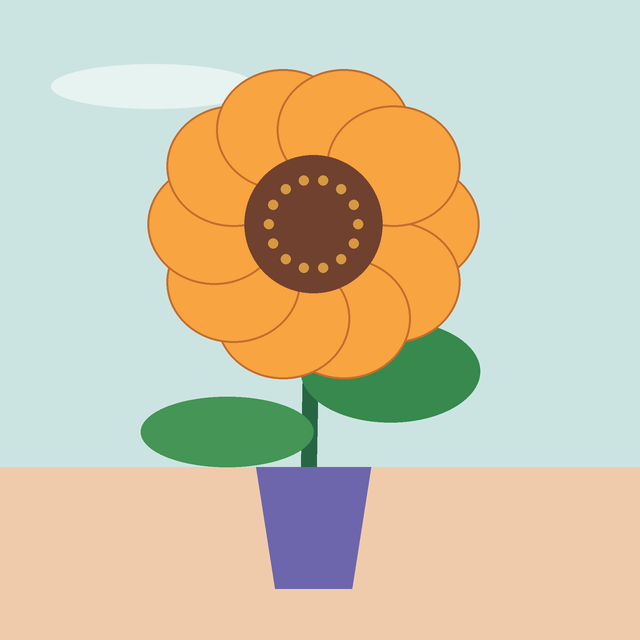
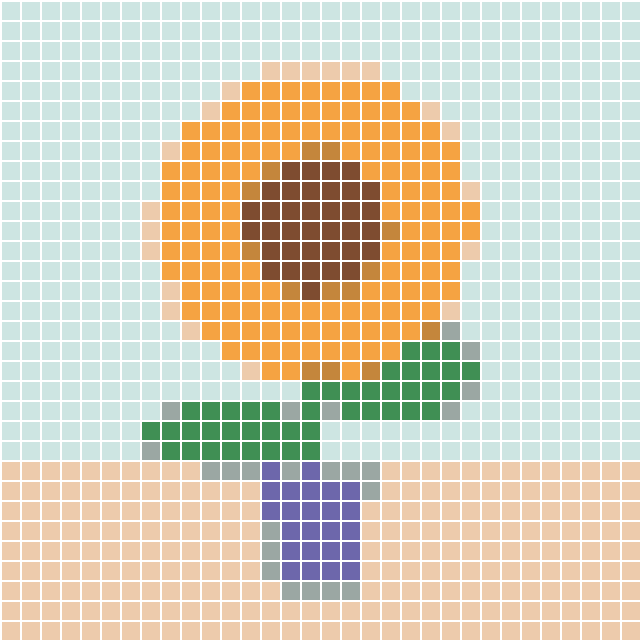
This original flower illustration was processed with the same pattern engine as the tool above. The preview shows a digital example, not a finished handmade object or an exact PDF page.
Choose a simple subject with a clear outline, such as a flower, pet silhouette or small landscape. Busy backgrounds turn into many distracting squares.
Start with 32 columns and 6–8 colors. Switch to 24 columns for a compact pattern, or 48 for more detail if the print remains legible.
If a face or narrow shape disappears, crop the source photo closer. If the color key is too complex, reduce the number of colors instead of enlarging the print.
Read the guide ↗Yes. The five generators and their PDF/PNG downloads are free to use, without an account.
No. The conversion runs in your browser; choosing an image does not send it to our server. Avoid sharing personal photos through other services.
No. They are approximate screen colors. Compare the printed key with the pencils, markers or paper you already own.